





















 Back
Back

Super Cash View Credit Period: How It Works and What You Need to Know
Managing a free credit period effectively requires more than simply knowing it exists. It requires real-time visibility into how much credit is available, how much has been used, when repayment is due, and what happens if the due date is missed. The Super Cash View feature on Stashfin brings all of this information into a single, easy-to-read dashboard that puts the user in complete control of their credit period at all times.


This guide explains what Super Cash View shows, how to interpret each element of the dashboard, and how to use it as a practical tool for smarter credit period management.
What Is Super Cash View?
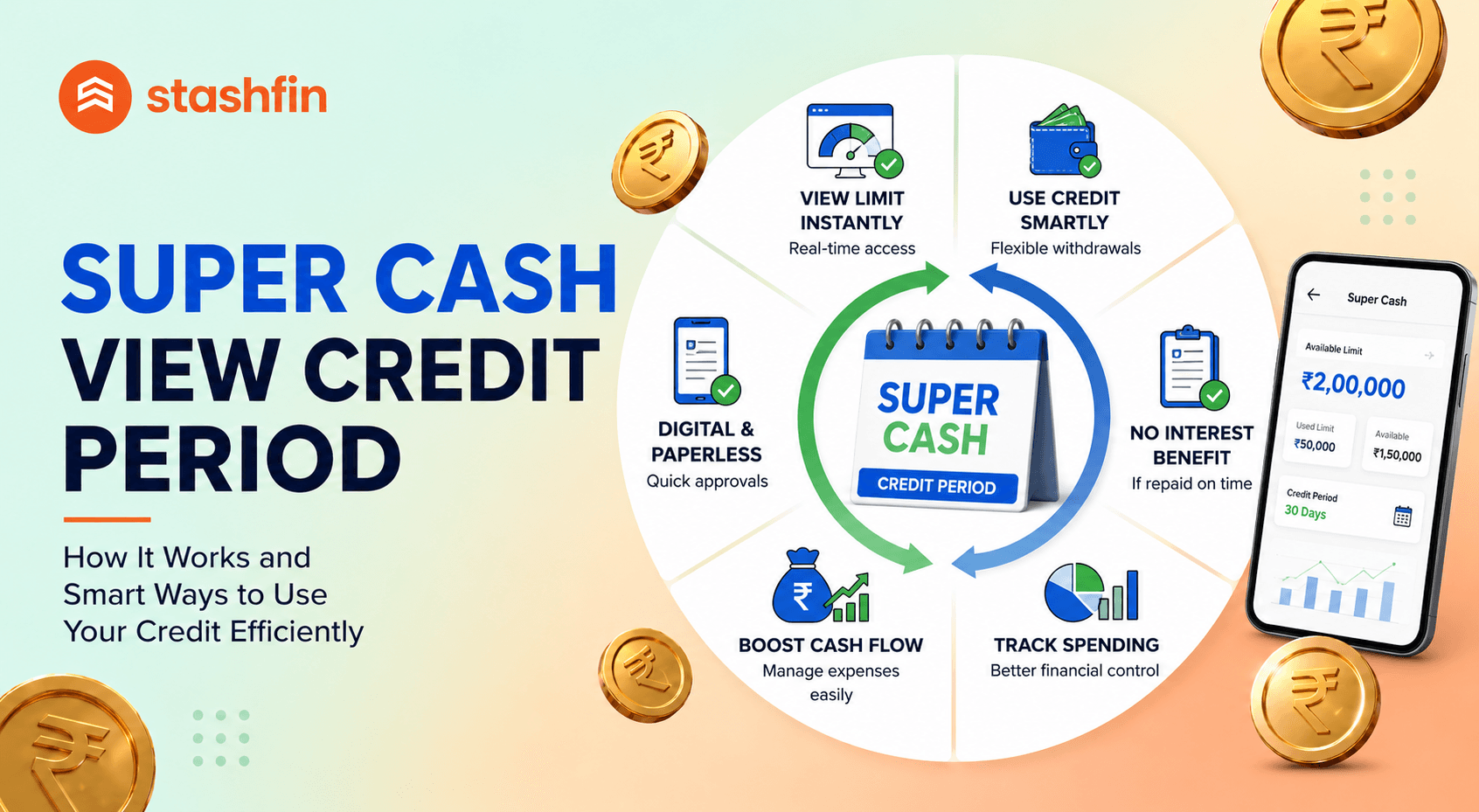
Super Cash View is the consolidated credit dashboard within the Stashfin app that displays a user's complete credit position in one view. Rather than navigating between multiple screens to find your available credit, outstanding balance, credit period status, and upcoming due dates, Super Cash View presents all of these in a single, organised interface.
The feature is designed for users who want a quick, accurate picture of their credit position — particularly useful for those using Stashfin's free credit period, where understanding exactly how many days remain before repayment is due is critical to avoiding unintended interest charges.
What Super Cash View Shows
The dashboard typically displays several key pieces of information. The total credit limit is the maximum credit that has been sanctioned for the user's account. The available credit is the portion of the limit that has not yet been used and can still be drawn. The outstanding balance is the amount currently in use that will need to be repaid by the due date.
The credit period status shows the current state of the free credit window — how many days remain before the due date, or if the due date has passed, how many days the account is overdue. This element is the most important for users actively using the free credit period, as it provides the countdown to the repayment deadline.
The upcoming due date is displayed prominently so the user always knows exactly when their next payment is required. For users with multiple draws at different times, the dashboard consolidates the repayment picture to show the earliest due date and the total amount due by that date.
Transaction history within the credit period view shows recent draws and repayments, allowing the user to reconcile their usage and verify that payments have been correctly processed and reflected in the outstanding balance.
How to Use Super Cash View to Manage Your Free Credit Period
The most valuable use of Super Cash View is as a daily or regular check-in point during an active credit period. By opening the dashboard when a draw is made and again a few days before the due date, users can ensure they are on track to repay within the free window.
The countdown to due date displayed in the credit period status section is particularly useful for users who draw credit mid-month and may otherwise lose track of exactly how many days remain. A user who drew credit on the 8th of the month with a 30-day free period knows from the dashboard that repayment is due by the 7th of the following month — without needing to calculate this manually.
For users who make multiple draws within a single credit cycle, Super Cash View consolidates the total outstanding balance and the earliest due date into a single repayment target, simplifying the management of a credit facility that has been used in multiple tranches.
Setting Up Reminders from the Dashboard
Stashfin sends automated reminders before the credit period due date through the app, SMS, and email. However, users who want additional control can use the Super Cash View dashboard as a reference point for setting personal reminders in their phone calendar or task manager.
The combination of automated Stashfin reminders and a personal reminder set from the dashboard provides a two-layer safety net that makes it very unlikely the due date will be missed. For users who rely on a single reminder channel, adding a second reminder from a different source significantly reduces the risk of oversight.
What Happens When the Credit Period Is About to Expire
As the due date approaches, the credit period status in Super Cash View will reflect the narrowing window. In the final days before the due date, the display typically highlights the urgency more prominently, drawing the user's attention to the imminent deadline.
If the user has already arranged repayment through auto-debit, the dashboard will reflect the scheduled payment status once the debit has been processed. For users making manual payments, confirming that the payment has been received and the outstanding balance has been updated to zero — or the expected reduced balance — is an important final check before assuming the credit period obligation has been met.
Why Visibility into Credit Period Status Matters
The primary risk with any free credit period product is the user losing track of their due date and incurring unintended interest charges. Super Cash View directly addresses this risk by making the credit period status the most prominent element of the credit dashboard. When the due date and outstanding balance are always visible and always current, the information gap that causes missed repayments is eliminated.
For users who are new to using credit period products or who manage multiple financial commitments, this kind of consolidated real-time visibility is not just convenient — it is the difference between using the free credit period as intended and inadvertently converting it into an interest-bearing balance.
Credit products are subject to applicant eligibility, credit assessment, and applicable interest rates. Stashfin is an RBI-registered NBFC. Please read all terms and conditions carefully.

