





















 Back
Back

How to E-Verify Your Income Tax Return (ITR): The Final Step to Tax Freedom
You did it. You gathered your Form 16s, wrestled with the calculation of your HRA, and finally hit that "Submit" button on the Income Tax portal. You’re ready to close the laptop and forget about taxes for another year.


Not so fast.
Submitting your ITR is like sending a letter without signing it. Without verification, the Income Tax Department won't even look at your return. It sits in digital limbo. If you don't verify it within the 30-day window, your return is treated as "Invalid"—as if you never filed at all.
The 30-Day Clock is Ticking
In the old days, you had to print a physical copy (the ITR-V), sign it in blue ink, and mail it to a central office in Bengaluru. Today, you can do it in seconds from your couch.
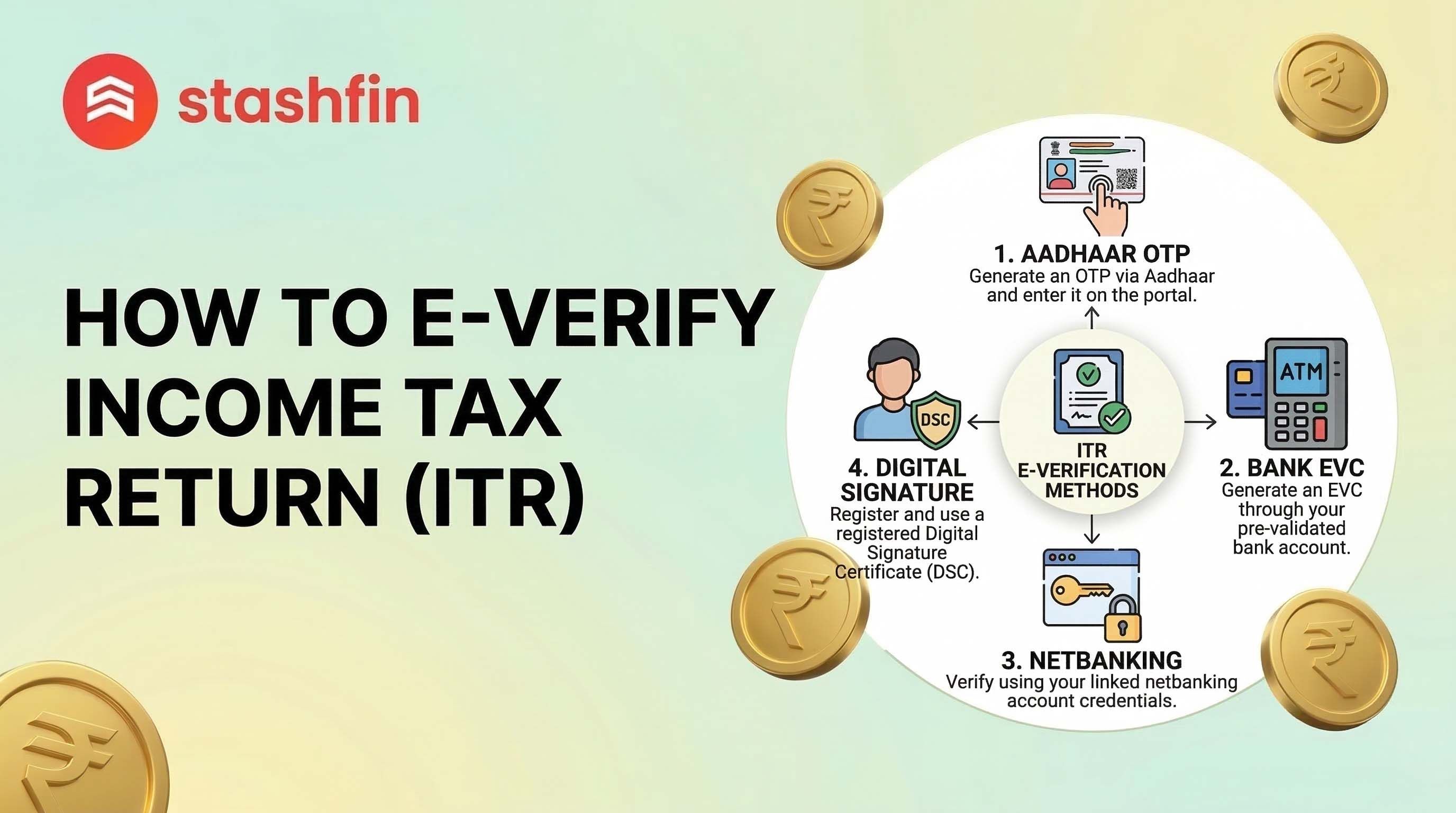
Method 1: The Crowd Favorite—Aadhaar OTP
This is the "Gold Standard" for e-verification. It’s the fastest way to get that "Successfully Verified" message.
The Prerequisites:
- Your Aadhaar must be linked to your PAN.
- Your mobile number must be the one registered with your Aadhaar.
The Steps:
- Log in to the e-Filing portal.
- Go to ‘e-File’ > ‘Income Tax Returns’ > ‘e-Verify Return.’
- Select ‘I would like to verify using OTP on mobile number registered with Aadhaar.’
- Enter the 6-digit OTP you receive and hit Submit.
Method 2: Net Banking (For the Aadhaar-Troubled)
If you lost your Aadhaar-linked phone or the OTP service is finicky, Net Banking is your best backup. The IT department trusts the KYC already done by your bank.
The Steps:
- On the 'e-Verify' page, select ‘Through Net Banking.’
- Choose your bank from the list.
- You will be redirected to your bank’s login page.
- Look for a tab labeled ‘Income Tax e-Filing’ (usually under ‘Services’ or ‘Tax’).
- The system will log you back into the tax portal automatically, verifying your return instantly.
Method 3: Electronic Verification Code (EVC) via Bank Account
If you don't use Net Banking, you can generate an EVC directly through your pre-validated bank account.
- The Catch: Your bank account must be pre-validated on the IT portal first.
- Select ‘Through Bank Account’ on the verification screen.
- Receive the EVC on your registered mobile/email, enter the code, and you’re clear.
Comparison of Verification Methods
| Method | Speed | Requirement | Best For |
|---|---|---|---|
| Aadhaar OTP | Instant | Aadhaar-PAN Link | Most Users |
| Net Banking | Fast | Online Banking Access | Backup if OTP fails |
| Bank Account EVC | Moderate | Pre-validated Account | Users without Net Banking |
What Happens if You Miss the Deadline?
If you miss the 30-day window, your return is considered "Not Filed." * Don't Panic: You can file a "Condonation Delay" request.
- The Requirement: Provide a genuine reason (e.g., medical emergency).
- The Risk: If rejected, you may face a late filing fee or lose the benefit of carrying forward losses.
Why E-Verification is Your Best Friend for Refunds
Waiting for a tax refund? The department won't even start processing your refund until the verification is complete. The sooner you e-verify, the sooner you move to the front of the line. E-verification is the trigger that starts the processing clock.
Common "Oops" Moments to Avoid
- The Name Mismatch: If your name on PAN doesn't match Aadhaar exactly (even a stray initial), the OTP method might fail.
- The Expired OTP: Aadhaar OTPs usually expire in 10 minutes. Ensure your phone is nearby before starting.
- DSC Confusion: Unless you are a corporate entity or require an audit, you likely don't need a Digital Signature Certificate (DSC). Stick to Aadhaar OTP or Net Banking.
Final Thoughts
Make it a habit to e-verify immediately after filing. It takes less than two minutes and saves you from a year-long headache.

