


 Back
Back
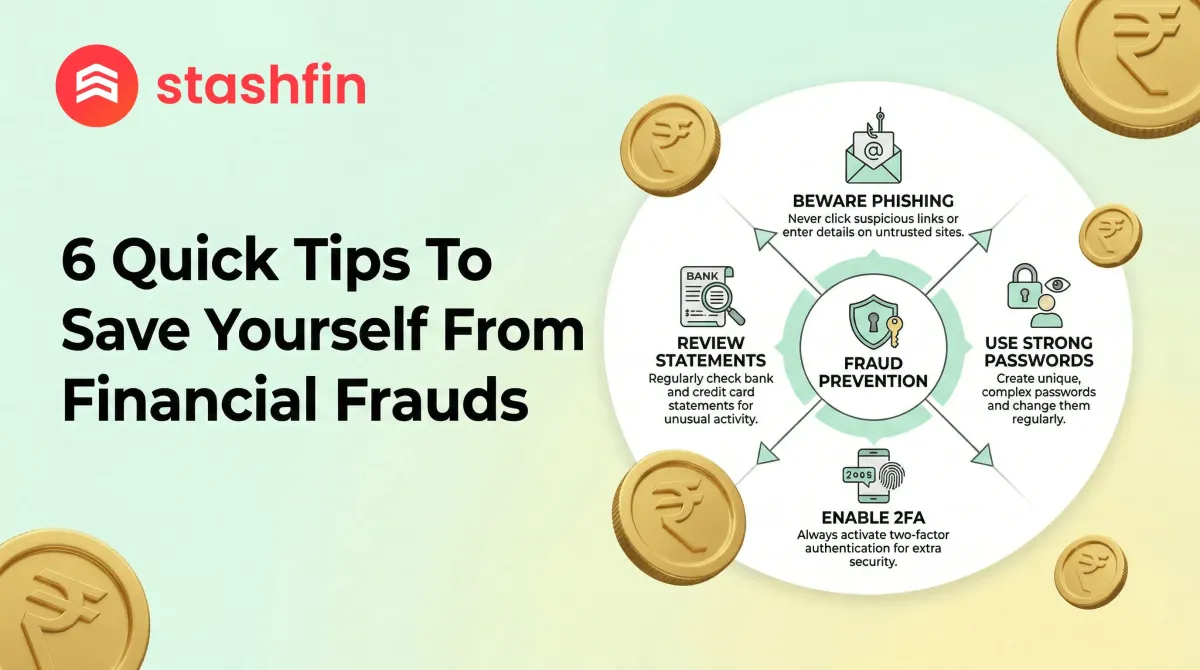

6 Quick Tips To Save Yourself From Financial Frauds
In 2026, financial scams have become more sophisticated, leveraging AI and real-time payment systems to target unsuspecting users. Protecting your hard-earned money requires staying one step ahead of fraudsters. Here are six essential tips to secure your digital finances.


1. Recognise the "Request Money" Trap on UPI
One of the most common scams involves the "Request Money" feature on UPI apps. Scammers often pose as buyers on marketplaces or "bank officials" and send a notification to "Receive" a payment.
Crucial Rule: You never need to enter your UPI PIN to receive money. If an app asks for a PIN or a QR code scan to "credit" funds, it is a 100% scam. Pause, read the notification, and decline immediately.
2. Beware of AI Voice Cloning and Deepfakes
We have entered the era of "Deepfake Fraud." Scammers can clone a person's voice using just 3 seconds of audio from social media. They then call you, sounding exactly like a loved one in distress, asking for an emergency transfer.
- Establish a "Family Safe Word": Create a unique phrase known only to your inner circle.
- Verify the Emergency: If a caller cannot provide the safe word, hang up and call the person back on their saved number.
3. Only Use RBI-Regulated Apps Like Stashfin
The market is flooded with unregulated "Instant Loan" apps that steal data or charge hidden fees. These apps often demand excessive permissions like access to your contact list or gallery.
Always verify if the app is backed by an RBI-registered NBFC. For instance, Stashfin is powered by Akara Capital Advisors, a registered NBFC. Regulated apps ensure:
- Data encryption.
- Transparent loan terms via a Key Fact Statement (KFS).
4. Never Download Remote Access Apps Under Pressure
Fraudsters pretending to be "Technical Support" or "KYC Officers" may guide you to download screen-sharing tools like AnyDesk or TeamViewer.
These apps allow scammers to see your screen in real-time, capturing passwords and OTPs as you type them. No legitimate financial institution will ever ask you to download these for verification.
5. Secure Your SIM with a PIN to Prevent "SIM Swapping"
In a SIM swap scam, fraudsters trick telecom providers into issuing a new SIM card for your number. Once they have the clone, they receive all your OTPs.
How to prevent this:
- Go to your phone settings.
- Set a SIM PIN.
- This prevents the SIM from being activated on a new device without the code, even if a duplicate is issued.
6. Audit Your "Digital Footprint" Regularly
Scammers use public information—birthdays, workplaces, travel plans—to create "Hyper-Contextual Scams." They might call about a "cancelled flight" based on a recent social media check-in.
- Go Private: Set your social media profiles to private.
- Limit Oversharing: Treat personal details like cash; the less a stranger knows, the harder it is to engineer a believable scam.
What to Do If You’ve Been Scammed?
If a fraudulent transaction occurs, speed is your best ally:
| Action | Platform/Contact |
|---|---|
| Call 1930 | National Cybercrime Helpline (Report within the "Golden Hour"). |
| Contact Bank | Immediately block cards or credit lines (e.g., Stashfin support). |
| File Complaint | Visit cybercrime.gov.in for an official report. |


